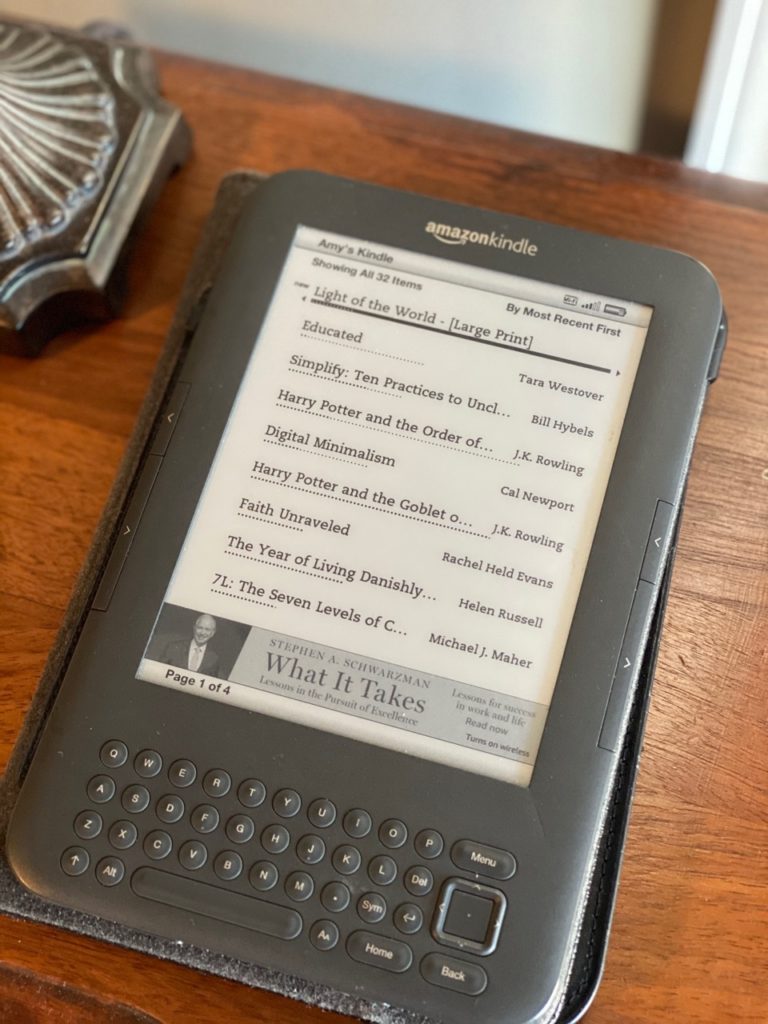
Our electronics become obsolete quickly as technology is constantly changing. And yet, we have a tendency to hang on to old phones, printers, and cords.
When I declutter homes, I often find unidentified cords neatly coiled and unopened. Just in case we need them, right? If a cord is unknown and unused, it is highly unlikely you will use it.
Simple Steps to Declutter and Organize Electronics
 Inventory
Write a Household Electronics Inventory of devices you use at least once a month.
Here’s a sample list to get you started.
- iPhone
- iPad
- MacBook
- Laptop
- Desktop Computer
- Printer
- Scanner
- Kindle
- Wireless Headphones
- Bluetooth Speaker
- Gaming System
- DVD player (I doubt it)
Collect the Cords
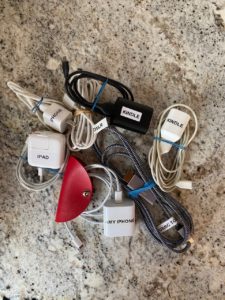
- Aggregate all the cords and chargers that go with these devices
- Choose a central location for the family to access.
- Label each cord with a Sharpie or label maker.
- Keep charging cords in a basket.
- Use rubber bands to wrap cords neatly.
- Pro Tip: Labeling the cords will eliminate “He stole my charger.”
Install a multi-outlet plug to create a parking lot for devices. Encourage the entire family to “park” their phone in the evening and during meals.
Collect Unused Electronics
Start an Electronics Donation Box. Best Buy will responsibly recycle electronic devices and cords. (Except Monitors)
- Unlabeled cords
- Old Printers and Toner
- Old Cell Phones
- VCRs
- Digital Cameras
- Misc Electronics
Fill the box, seal it and label “Best Buy.” Load it in the car for your next delivery opportunity.
Let’s declutter all your old electronics today!
Additional Helpful Links and Resources
How to wipe the hard drive of a Windows Computer
What to do before you sell, give away, or trade-in your iPhone, iPad, or iPod touch
Recycle or Trade-In Apple Devices at the Apple Store
Recycle Electronics at Best Buy for Free
*This post includes affiliate links which means if you purchase one of the items, I may receive a small commission at no additional cost to you. These commissions help me to maintain an ad-free website and write new articles. I only recommend items I know and trust. Thank you for your support! I am grateful.*
[…] of letting them gather dust, I started considering electronics recycling and device donation. Decluttering electronics is essential not only for creating a tidier space but also for reducing confusion and promoting […]